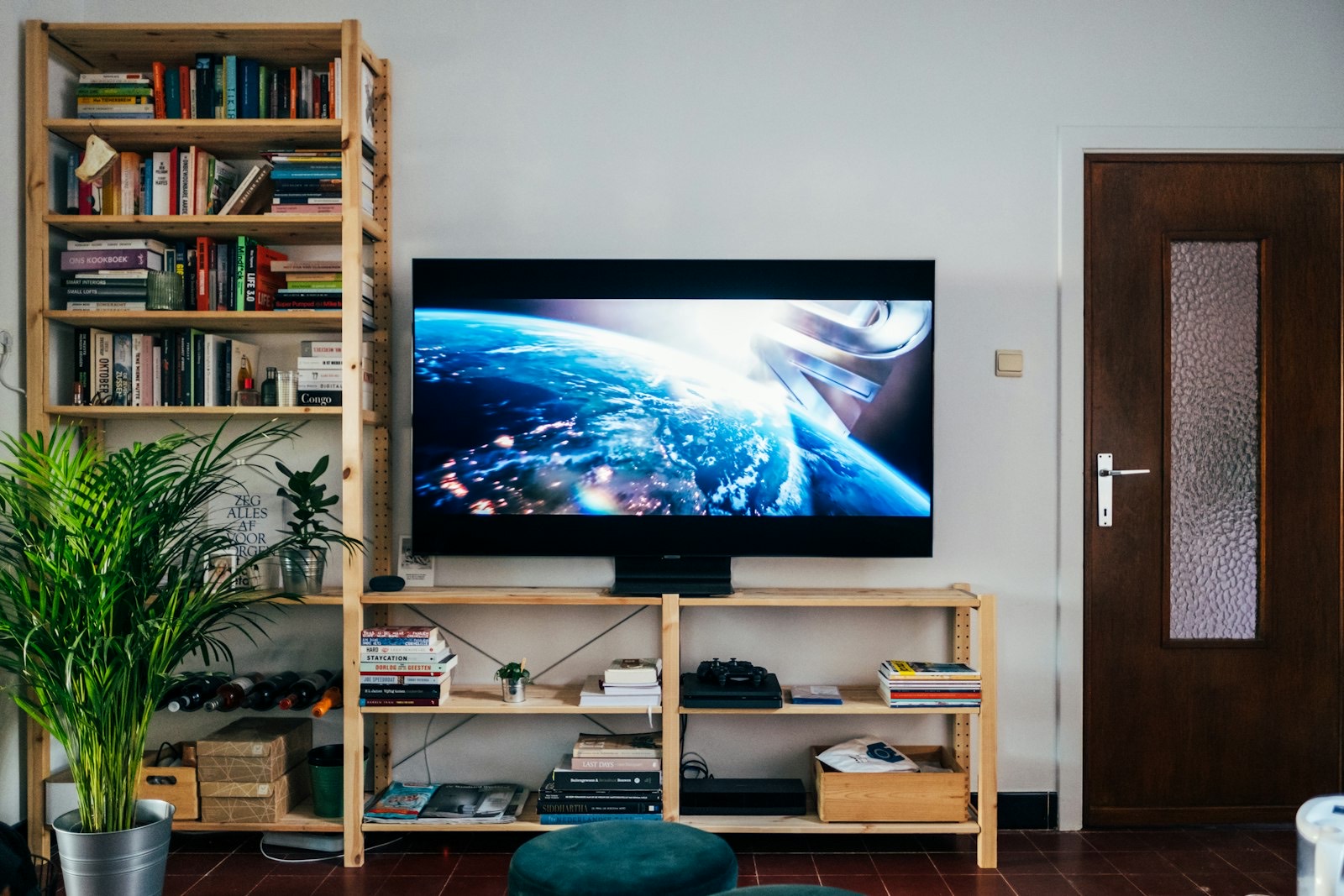
Televisions are measured diagonally. TV stands are measured horizontally. That single mismatch is behind most of the badly proportioned media walls in America.
A 65-inch television is not 65 inches wide — it is closer to 57. Buy a stand to the wrong number and you end up with a screen overhanging its base, which looks precarious and often is.
Here is how to size a stand properly, how high to put the screen, and how far back to sit.
Width: Start With the Real Screen Width
The rule is straightforward: the stand should be wider than the television by at least three to five inches on each side.
| TV size (diagonal) | Actual width | Minimum stand width | Ideal stand width |
|---|---|---|---|
| 43″ | ~38″ | 44″ | 48–50″ |
| 50″ | ~44″ | 50″ | 55–58″ |
| 55″ | ~48″ | 54″ | 58–62″ |
| 65″ | ~57″ | 63″ | 68–72″ |
| 75″ | ~66″ | 72″ | 76–82″ |
| 85″ | ~75″ | 81″ | 86–92″ |
Measure your own television rather than trusting the table. Bezel widths vary between manufacturers, and a stand bought two inches short is a stand you will replace.
Standard TV consoles run 48 to 67 inches wide, which covers everything up to a 65-inch screen. Above that you are into specialist widths, which is exactly why 92-inch consoles exist for very large screens.
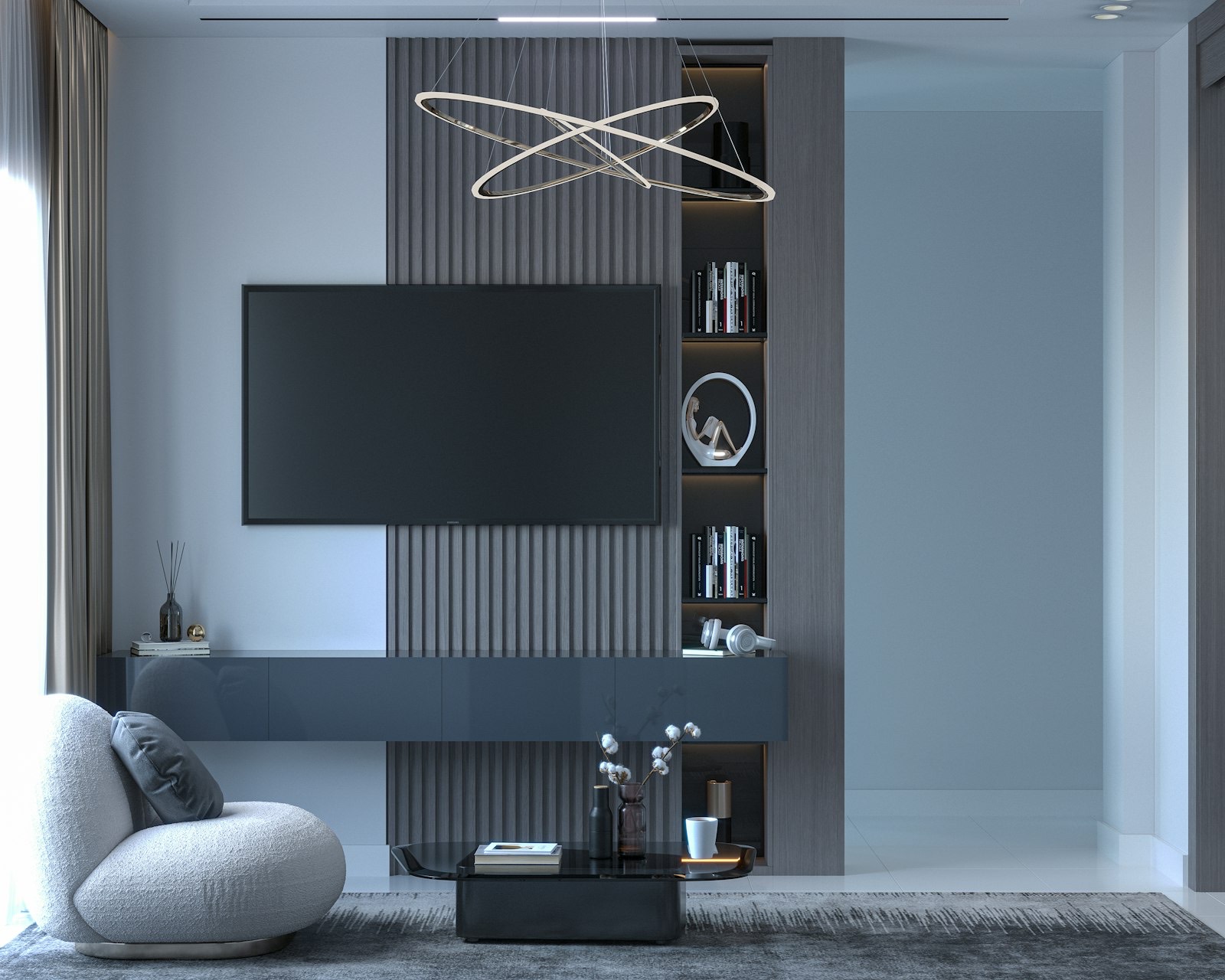
Height: Screen Centre at Seated Eye Level
The target is simple. When you are sitting on your sofa, the middle of the screen should be roughly level with your eyes.
| Your seated eye height | TV size | Stand height to aim for |
|---|---|---|
| 38–40″ (low modern sofa) | 55″ | 18–22″ |
| 38–40″ | 65″ | 16–20″ |
| 42–44″ (standard sofa) | 55″ | 22–26″ |
| 42–44″ | 65″ | 20–24″ |
| 44–46″ (high-seat or recliner upright) | 75″ | 20–24″ |
Notice the pattern: the bigger the screen, the lower the stand. A large television on a tall console puts the centre of the picture well above your eyeline, which is the setup that leaves people with a stiff neck after a film.
Standard stands run 21 to 32 inches tall, so with a 65-inch screen you are usually shopping at the lower end of that range.
How Far Back Should You Sit?
The general guidance is one and a half to two and a half times the screen’s diagonal measurement.
| TV size | Comfortable viewing distance | Minimum room depth needed |
|---|---|---|
| 43″ | 5.5–7 ft | ~9 ft |
| 55″ | 6.5–9 ft | ~11 ft |
| 65″ | 8–10 ft | ~12 ft |
| 75″ | 9–11 ft | ~13 ft |
| 85″ | 10–12 ft | ~14 ft |
Room depth includes the stand’s own depth and the sofa’s, plus a walking route behind. If your room cannot deliver the distance, the honest answer is a smaller screen rather than a bigger one.
Our coffee table sizing guide covers the 24 to 30 inch gap you also need between the table and the media unit, so the walkway does not disappear.
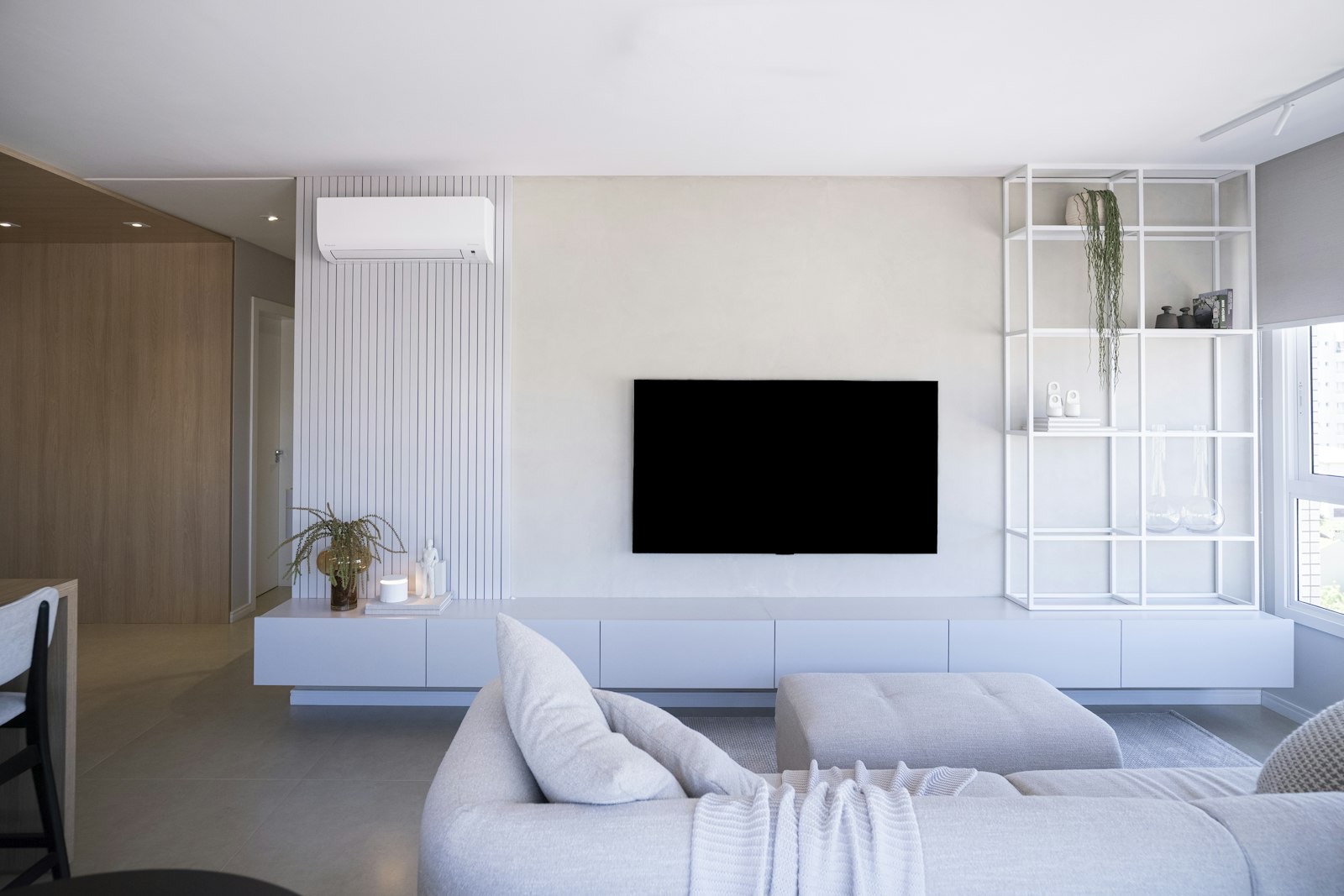
Stand Types
| Type | Best for | Trade-off |
|---|---|---|
| Low console | Large screens; modern rooms | Limited enclosed storage |
| Entertainment center | Storage-heavy households; media collections | Dominates the wall; hard to move |
| Corner unit | Rooms where no full wall is free | Restricts viewing angles from the sides |
| Fireplace media console | Rooms without a real fireplace | Heat output limits what sits above |
| Wall-mounted with floating shelf | Small rooms; a very clean look | Needs studs and hidden cabling |
| Accent cabinet as media unit | Rooms where it must not look like AV kit | Check cable access and top width |
That last option is increasingly common. Our accent cabinet guide covers the checks — chiefly that the top is wider than the screen base and that the back panel has a cable cut-out.
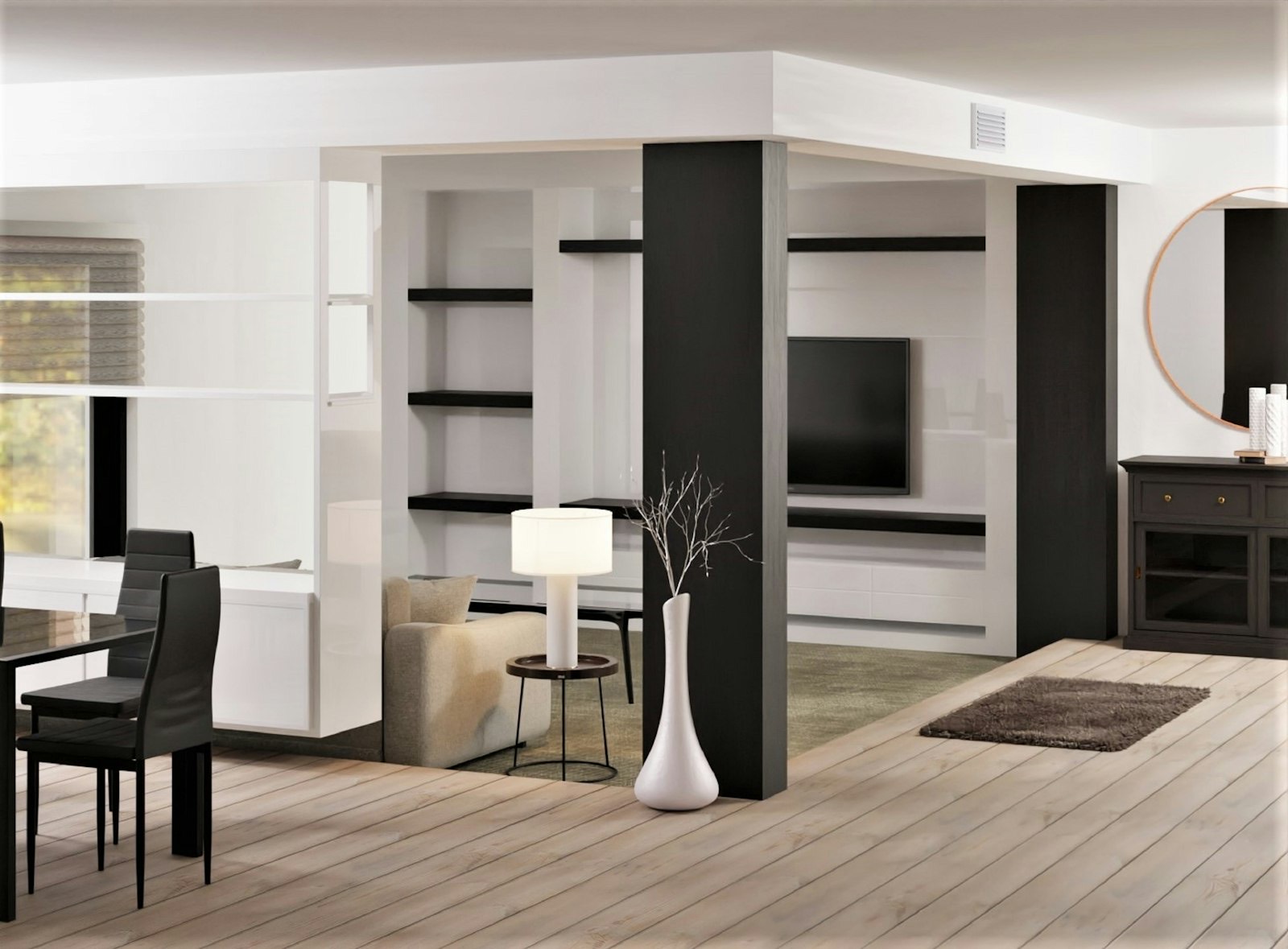
Anchoring, Cables and Ventilation
Three practical points that matter more than styling.
Anchor the stand and the television
Furniture and television tip-overs cause serious injuries to children every year, and a screen sitting on a console is top-heavy by design. Use the anti-tip strap supplied with the stand, and strap the television itself to the wall or to the furniture.
Never place a television on a piece of furniture that was not designed for one — a dresser with a narrow top and drawers a child can climb is the classic dangerous combination.
Plan the cabling and power
- Look for grommets or rear cut-outs before buying, not after
- Count your devices and check there are enough outlets within reach
- Avoid daisy-chaining power strips behind the unit
- Leave the back of enclosed cabinets ventilated — receivers and consoles generate real heat
Media walls concentrate a lot of electrical load in one place, and the National Fire Protection Association’s home electrical safety guidance is worth reading before you run several devices from one outlet.
Storage: Be Honest About What You Own
Media storage needs have changed enormously. Most households now need space for a soundbar, a console and a router rather than shelving for hundreds of discs.
| What you own | Storage to look for |
|---|---|
| Streaming only, one device | Open low console; minimal shelving |
| Games console and controllers | Ventilated open shelf at reachable height |
| Soundbar | A dedicated shelf with the right width and clearance |
| Router and networking kit | Open shelf or mesh door — solid doors kill wifi signal |
| Disc collection | Enclosed drawers or doors; weight adds up quickly |
Two details catch people out: a soundbar needs a shelf both wide enough and open at the front, and a router behind a solid wooden door will noticeably weaken your wifi.
Frequently Asked Questions
How wide should a TV stand be for a 65-inch TV?
At least 63 inches, and ideally 68 to 72. A 65-inch television measures roughly 57 inches wide, and you want three to five inches of stand showing on each side.
How high should a TV stand be?
High enough that the centre of the screen meets your eyes when seated — usually 18 to 24 inches. Larger screens need lower stands, because the screen itself adds height above the base.
Can a TV be wider than its stand?
It should not be. Overhang looks unbalanced and, more importantly, reduces stability — the feet may sit near the edges where the top is weakest. Always choose a stand wider than the screen.
How far should I sit from a 65-inch TV?
Roughly eight to ten feet, which is one and a half to two and a half times the diagonal. Closer than that and you begin to notice pixel structure on standard content.
Do I need to anchor my TV stand?
Yes. A television on top makes any console top-heavy, and tip-overs injure children every year. Fit the supplied anti-tip strap and secure the television as well as the furniture.
Measure the Screen, Not the Box
Take a tape measure to the actual width of your television and bring that number with you. It is the one figure that decides which stands are even candidates.
Our TV stands and entertainment centers in Newport News cover low consoles through to full entertainment walls and fireplace media units, including wider consoles for large screens.
Arranging the whole room? Our guides to measuring for a sofa, coffee table proportions and recliner clearances cover the seating side of the same viewing distances.
Browse the full living room furniture range, or lamps and accent pieces to soften the light around a screen.
Check clearance and specials, spread the cost with no-credit furniture financing, and see our delivery guide — a 92-inch console is a two-person carry. Unsure what fits? Send our Newport News team your TV width and wall length.