Office chairs are sold on features, and most of those features are irrelevant. A chair with fourteen adjustment levers is not better than one with four if the four that matter are the right four.
There is also no such thing as an ergonomic chair in isolation. A chair is ergonomic only once it has been adjusted to the person sitting in it and the desk it is used at.
Here is which adjustments genuinely matter, and how to check a chair fits you before buying it.
The Four Adjustments That Matter
| Adjustment | Why it matters | Priority |
|---|---|---|
| Seat height | Sets elbow height at the desk and whether feet reach the floor | Essential — pneumatic, adjustable while seated |
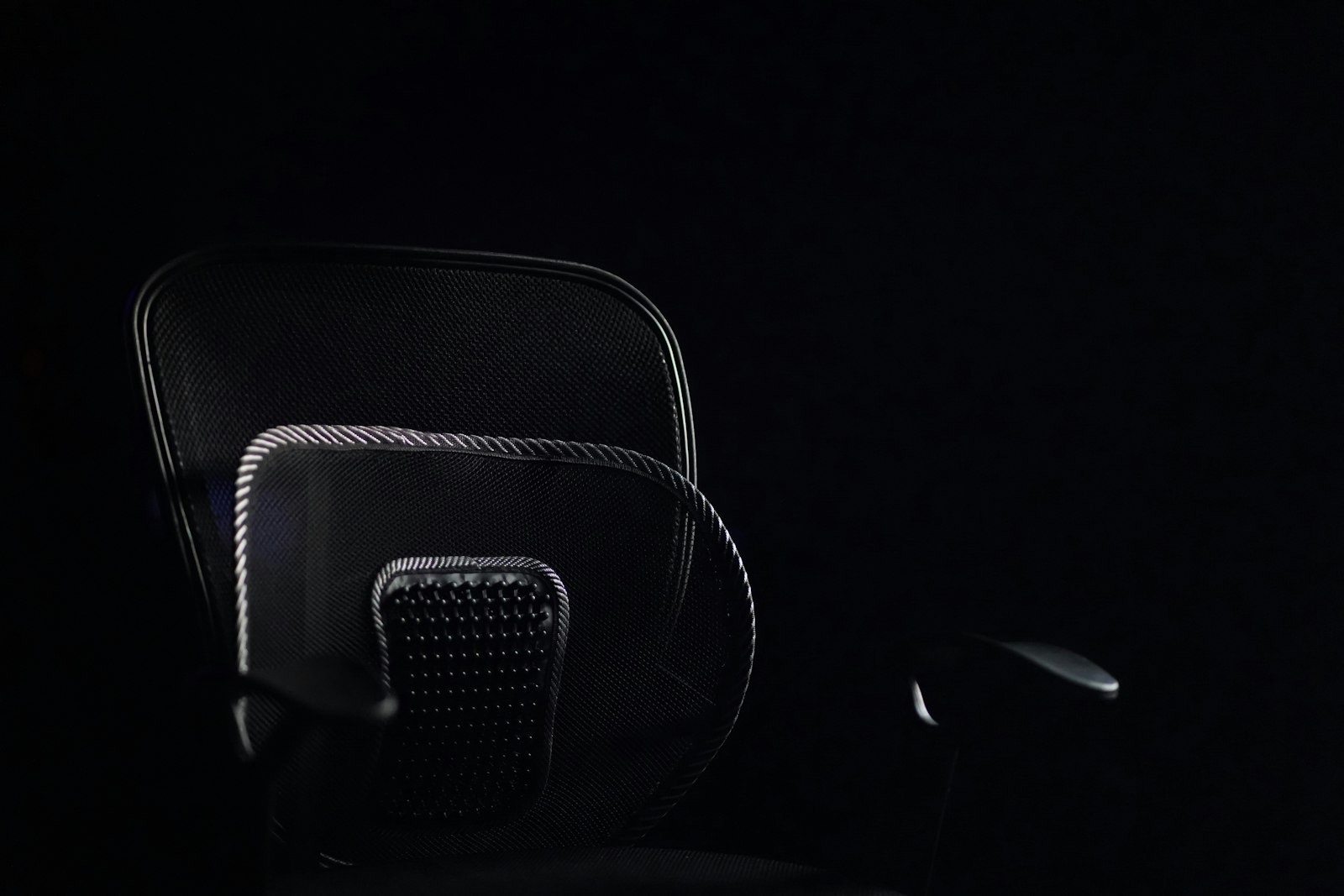
| Lumbar support | Fills the inward curve of the lower back and prevents slouching | Essential — adjustable in height, not just depth |
| Seat depth | Determines whether the backrest is usable at all | High — fixed depth suits only average-length legs |
| Armrest height | Supports the forearms without lifting the shoulders | High — must drop below the desk when not needed |
| Tilt and recline | Lets you change posture through the day | Useful |
| Headrest | Only used when reclining | Optional |
Seat depth is the adjustment people most often discover they needed after buying. A seat too deep for your legs means you either perch forward with no back support, or slide back and lose contact with the floor.
Cornell University’s ergonomics group has published widely used guidance on workstation setup — their research pages are a solid non-commercial reference if you want the reasoning behind these figures.
Fitting a Chair to Yourself
Adjust in this order. Changing one affects the next, so working out of sequence means starting again.
- Seat height first. Sit back fully. Raise or lower until your thighs are roughly parallel to the floor and your knees sit slightly lower than your hips.
- Feet check. Both feet flat on the floor. If they dangle, you need a footrest rather than a lower seat.
- Seat depth. Sitting fully back, you want two to three fingers of gap between the seat edge and the back of your knees.
- Lumbar height. Raise or lower the support until it meets the inward curve of your lower back — not your mid-back, not your tailbone.
- Armrests last. Raise them until your forearms rest with elbows at 90 to 100 degrees and your shoulders relaxed, not lifted.
Two to three fingers behind the knees is the specific check worth remembering. Less and the seat edge presses on the back of your legs; more and the backrest is too far away to use.
If the armrests will not drop below your desk surface, they will stop the chair pulling in — which is why fixed armrests cause more problems than they solve.
The chair is only half of it. Our home office desk guide covers the desk height these adjustments have to work against, and why most desks are too tall for most people.

Chair Types
| Type | Best for | Trade-off |
|---|---|---|
| Task chair | Full working days; the default choice | Looks like office furniture |
| Mesh back | Warm rooms; long sitting | Less padded; cheap mesh sags |
| Executive / high back | Reclining and appearance | Often fewer real adjustments than it looks |
| Drafting / tall chair | Counter or standing-height desks | Needs a footring |
| Upholstered desk chair | Rooms where it must look like furniture | Usually minimal adjustment; warmer |
| Kneeling / saddle | Short spells; posture variety | Not suited to full days for most people |
Executive chairs are the category most likely to disappoint. A tall padded back and a leather finish suggest comfort, but many have fixed lumbar support and armrests, which is exactly what you do not want for a working day.
For a chair in a bedroom or living room corner that must not look like office equipment, an upholstered desk chair is the compromise — see our accent chair guide for how to judge frame quality on upholstered seating.
Practical Details
- Casters must match your floor. Hard casters are for carpet; soft rubber casters are for hardwood, and using the wrong ones marks the floor
- Five-star base only — four-legged bases on a gas lift tip more easily
- Check the weight rating, particularly on lighter task chairs
- Gas cylinders fail before the upholstery does; ask whether it is replaceable
- Breathable upholstery matters in a Virginia summer more than it does further north
- A chair mat protects carpet and makes rolling far easier
The caster point is the cheapest mistake to avoid. Most chairs ship with hard casters intended for carpet, and rolling those across hardwood for a year leaves a visible track.
What Fails First
Office chairs rarely break outright. They degrade in a predictable order, and knowing that order tells you where the money is worth spending.
| Component | Typical lifespan | Symptom | Repairable? |
|---|---|---|---|
| Casters | 2–4 years | Sticking, wobbling, scoring the floor | Yes — cheap and easy to swap |
| Gas cylinder | 3–7 years | Chair sinks slowly while you sit | Usually — a standard replaceable part |
| Seat foam | 4–8 years | Flattens; you feel the base through it | Rarely, on cheaper chairs |
| Mesh backing | 3–8 years | Sags into a hammock shape | No |
| Frame and base | 10+ years | Cracks at the star base | No — the chair is finished |
A sinking chair is almost always a failed gas cylinder rather than a dead chair. Replacements are inexpensive and fit most standard chairs, which is worth knowing before you replace an otherwise sound seat.

Frequently Asked Questions
What height should an office chair be?
High enough that your thighs are roughly parallel to the floor with knees slightly below your hips. Most chairs adjust between about 19 and 24 inches, and the right setting depends on your desk as much as your height.
Where should lumbar support sit?
In the inward curve of your lower back, just above the belt line. Fixed lumbar support rarely lands there for everyone, which is why height-adjustable support is worth paying for.
Do I need armrests?
Adjustable ones, yes — they take load off your shoulders. Fixed armrests are worse than none, because they usually stop the chair pulling under the desk.
Are mesh chairs better than padded ones?
They breathe better, which matters in a warm room. Quality varies enormously though — cheap mesh loses tension and sags into a hammock within a couple of years.
Why do my feet not reach the floor?
Because the chair has been raised to suit a desk that is too tall. That is the correct fix for your arms — add a footrest to support your feet rather than lowering the chair.
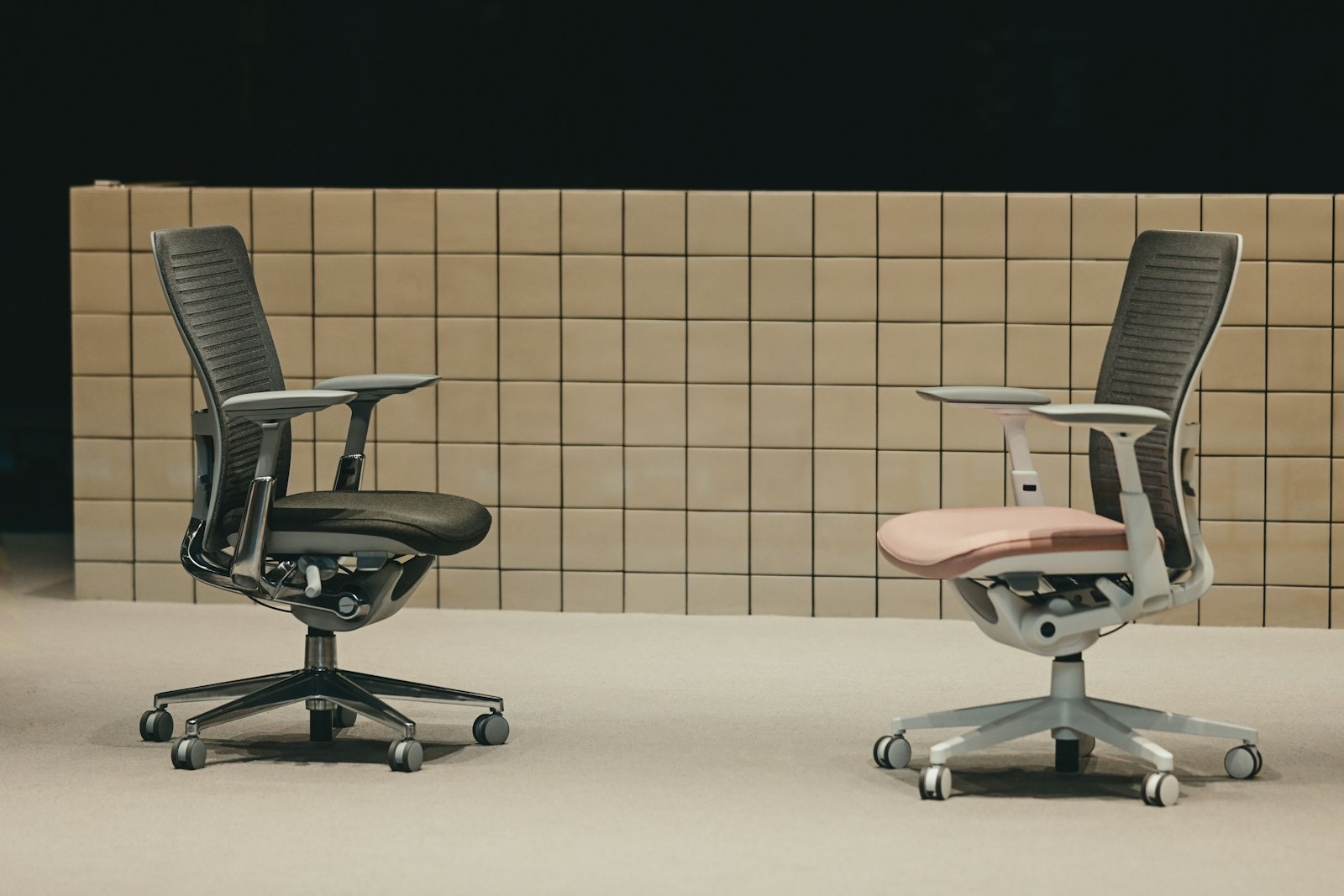
Sit In It for Five Minutes
Every chair is comfortable for thirty seconds. Work through the five adjustments above while sitting in it, and you will know within five minutes whether it fits.
Our home office furniture range in Newport News includes desk chairs alongside the desks and storage they work with.
Setting up the whole workspace? See our guides to desk sizes and heights, credenzas and storage and bookcases and shelving.
Lighting affects how long you can work comfortably too — our home lighting guide covers task lighting and screen glare.
Check clearance and specials, spread the cost with no-credit furniture financing, and see our delivery guide. Not sure what suits your desk height? Ask our Newport News team.